Why Real-Time Project Profitability Matters
Margins in construction are thin. Everyone talks about budgeting and estimating, but what happens after the project starts? That’s where most contractors bleed money. Costs pile up, unexpected overruns hit, and by the time you reconcile at the end, your profit is long gone.
Real-time project profitability isn’t just a buzzword. It’s the difference between knowing where you stand financially and guessing. And let’s be honest: guessing doesn’t cut it when you’re negotiating with vendors, managing subcontractors, or tracking multiple sites.
The Key Problem: Fragmented Cost Tracking
Here’s a common scenario: The project BOQ specifies a certain quantity of materials. Your purchase orders show a different amount delivered. But site engineers are reporting shortages. So, where’s the gap?
The issue is fragmented tracking. Material requests, POs, site receipts, and consumption are often scattered across spreadsheets, emails, and WhatsApp messages. By the time you consolidate everything, the damage is already done.
The Solution: Real-Time Cost Tracking by Line Item
The fix is simple in theory: track every cost against your BOQ in real-time. In practice, it requires discipline and the right tools. Here’s how teams that get it right do it:
-
Start with a Detailed BOQ
Break your BOQ into clear, measurable line items. Don’t just lump materials into broad categories like "steel" or "concrete." Instead, specify quantities and costs for each use case. This granularity makes tracking feasible. -
Tie Costs to Milestones
Every cost — whether it’s materials, labor, or subcontractor payments — must tie back to a specific project milestone or WBS item. For example, if your milestone is "Foundation Completed," your costs might include excavation labor, shuttering materials, and concrete. This ensures you’re not just tracking totals but also understanding where overruns occur. -
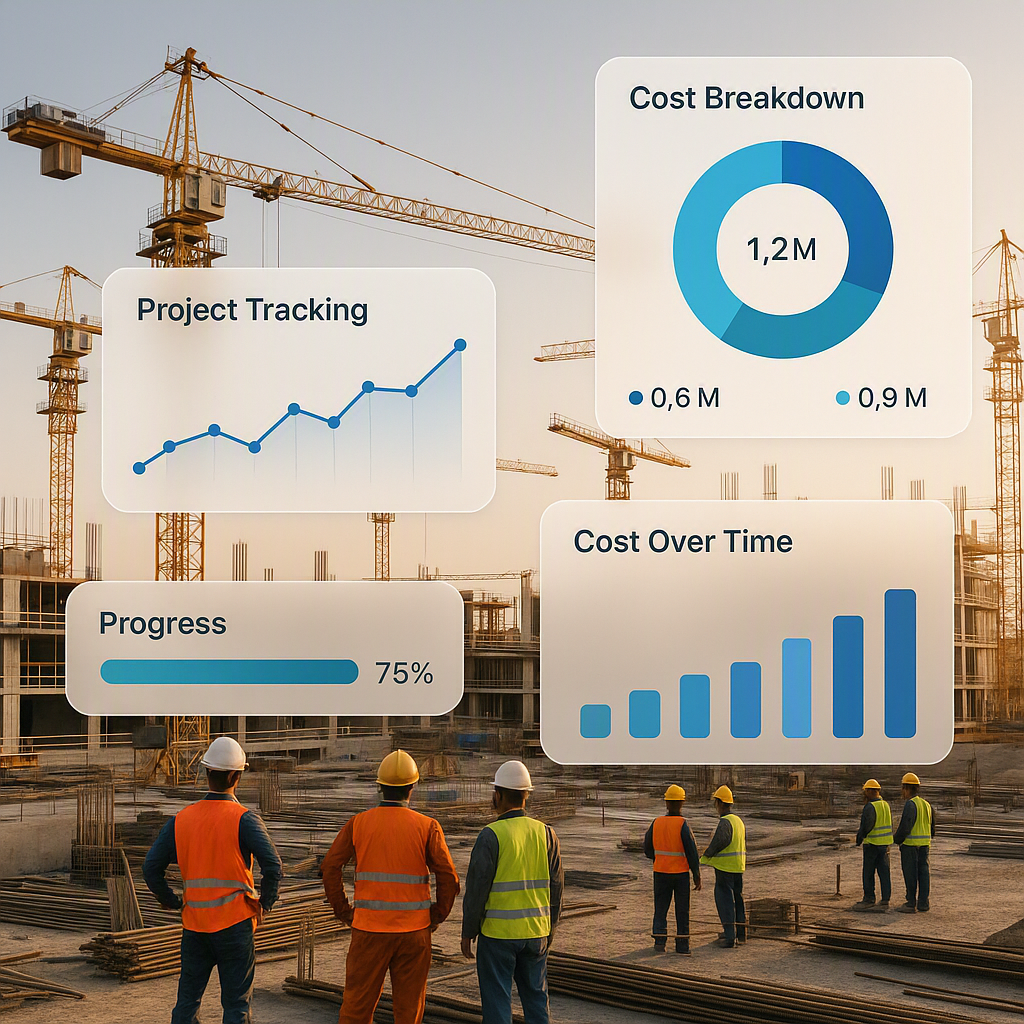
Use Real-Time Dashboards
Many teams rely on monthly reconciliations. That’s too late. You need dashboards that show your current spend versus your planned budget at any time. For example, if your material consumption is higher than planned at the halfway mark, you can investigate immediately. -
Integrate Procurement and Site Data
This is where unified systems shine. A structured workflow — like Material Request → RFQ → Vendor Offer → PO → Delivery → Site Issue — ensures every step is logged and traceable. When procurement, site, and finance teams work off the same system, discrepancies stand out.
Practical Example: Material Procurement Workflow
Illustrative example — Imagine you’re managing a residential project. Here’s how you’d track material procurement in real-time:
- Material Request (MR): Site requests 1,000 units of a material.
- RFQ and Vendor Selection: Procurement sends an RFQ to multiple vendors and finalizes one at an agreed rate.
- PO Issued: A purchase order is issued for the required quantity.
- Delivery Logged: The vendor delivers a certain quantity, logged in your system.
- Site Issue: Materials are issued to the site, with remaining stock tracked in inventory.
Now, your dashboard shows:
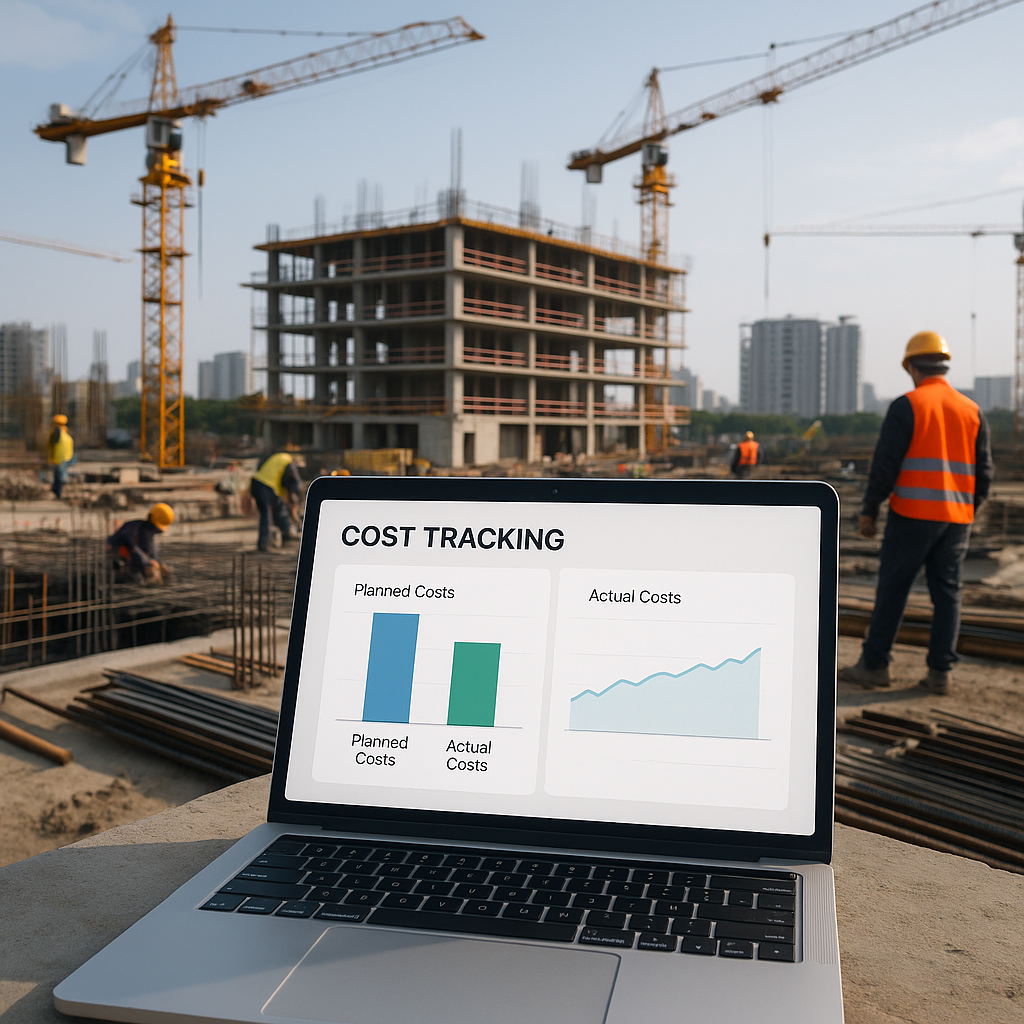
- Planned vs Actual Cost: Budgeted cost versus what has been spent so far.
- Consumption vs Delivery: Materials used, materials in stock, and any undelivered quantities.
If your actual consumption exceeds what’s planned before the next delivery, you know you’ve got a problem.
Avoiding Common Pitfalls
-
Overcomplicating Dashboards
Real-time tracking doesn’t mean drowning in data. Dashboards should highlight key metrics: planned cost, actual cost, variance, and remaining budget. Anything more is just noise. -
Ignoring Small Overruns
Small overruns might seem minor, but if they happen across multiple line items, they can add up quickly. Track every variance, no matter how small. -
Skipping Site-Level Tracking
Many teams track costs centrally but ignore site-level details. Don’t. Site engineers need simple tools to log material usage daily, so you’re not reconciling everything at the end.
How Tools Like ProjectsNext Fit In
Unified platforms like ProjectsNext simplify this process. They integrate BOQ tracking, procurement workflows, and site-level updates into one system. No more toggling between spreadsheets and emails. For a deeper dive into this, check out Why Small Contractors Bleed Margins Without Unified ERPs.
FAQ
1. Isn’t real-time tracking overkill for small projects?
Not at all. Real-time tracking ensures you catch issues while they’re manageable.
2. How do I handle unpredictable costs like labor?
Use historical data to set realistic budgets and track daily labor logs against them. Small gaps add up quickly.
3. What’s the biggest challenge in real-time tracking?
Adoption. Teams often resist new workflows, especially site engineers. Start with simple tools and train them thoroughly.
Final Thoughts
Real-time project profitability isn’t magic. It’s about discipline, visibility, and the right tools. If you’re tired of guessing where your margins go, it’s time to rethink your approach.
If you’re dealing with margin erosion, ProjectsNext can help. Get started free →
Learn more at JobNext.ai