₹18 Lakh Lost: The Budget Tracking Problem Contractors Ignore
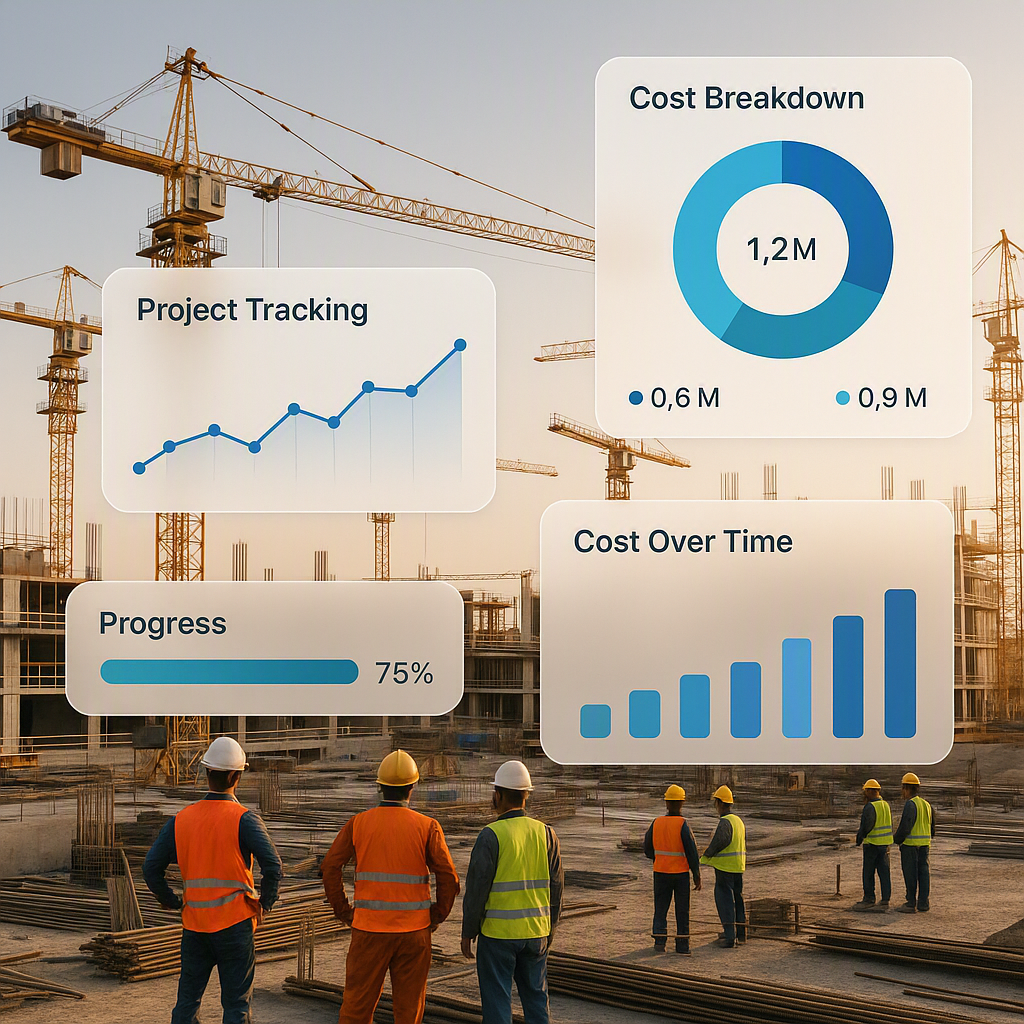
Margins in construction are paper-thin. You know it, I know it. And yet, most contractors still lose 12-18% of their material budgets due to poor cost tracking. It’s not always incompetence — sometimes it's just the chaos of juggling multiple projects, disconnected systems, and last-minute scope changes. But here's the thing: those budget overruns don’t just eat into profits. They obliterate them.
Let me give you a real-world example. On a mid-sized residential project in Pune, a contractor noticed halfway through that their actual cement costs were 28% higher than the budgeted rate. Why? The procurement team had approved a higher-priced vendor due to urgent delivery needs, but no one flagged the variance in time. By the time the finance team caught it, ₹18 lakh was gone. Irrecoverable.
Now imagine this happening across multiple projects, each with its own set of unforeseen overruns. The cumulative impact can be devastating, especially for small-to-mid-sized contractors who lack the cash reserves of large firms.
Why Variance Analysis Matters (and Why AI Changes the Game)
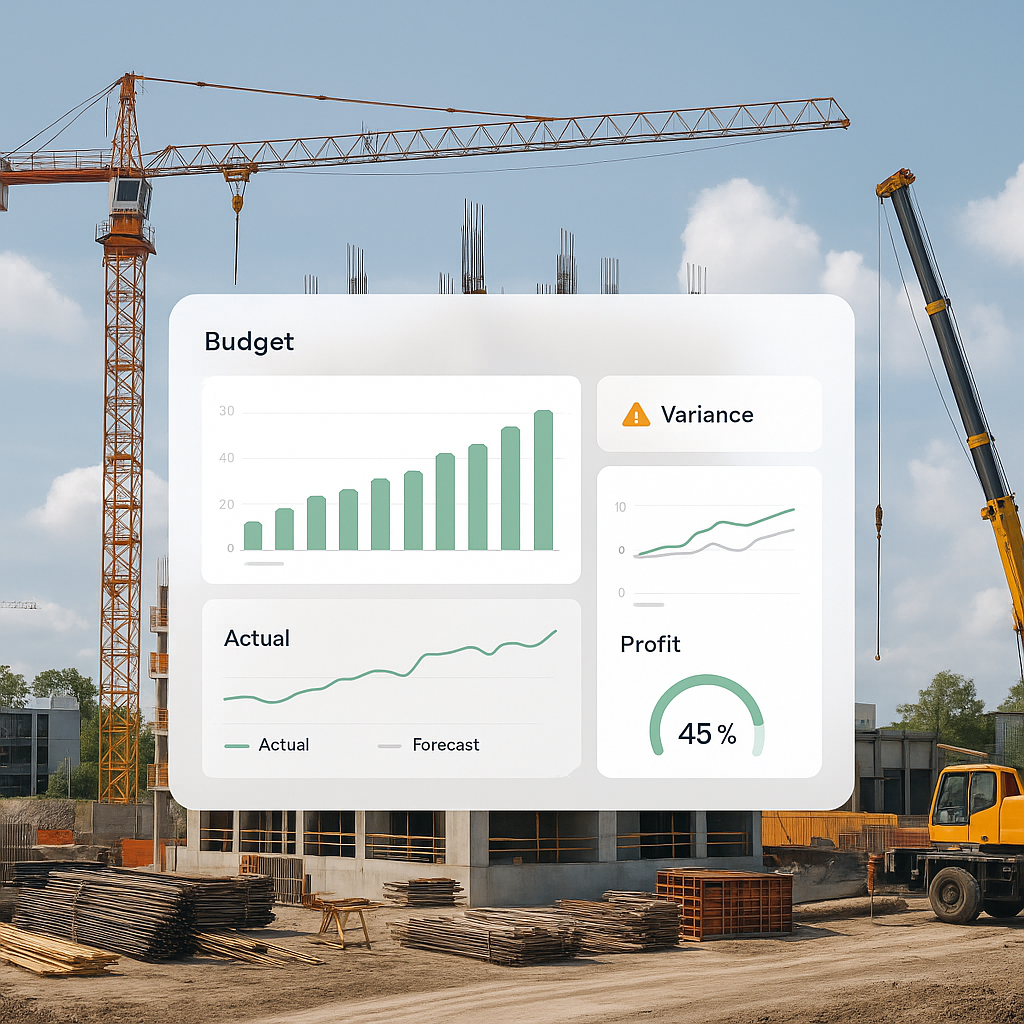
This is where AI-powered tools come in. A proper variance analysis doesn’t just compare your planned budget to actual costs. It drills down into specific BOQ (Bill of Quantities) items, resource types (labor, material, equipment), and even subcontractor payments to show exactly where things are going off track. And it does this in real-time.
How Traditional Tracking Falls Short
Most contractors still rely on spreadsheets or outdated ERP systems for budget tracking. The problem? These systems often provide a static view of your costs. By the time you realize you’ve overspent, the damage is already done.
-
Example 1: Let’s say your steel budget is ₹3,500 per ton. Due to a mid-project price hike, you end up paying ₹3,800 per ton. Without real-time tracking, this variance might not be flagged until monthly reconciliation — far too late to renegotiate rates or adjust your procurement strategy.
-
Example 2: On a large infrastructure project in Hyderabad, a contractor underestimated labor costs by 15%. Spreadsheets didn’t account for the additional overtime required due to rain delays, and the project ended ₹2 crore over budget.
How AI Steps In
AI tools like JobNext’s BOQ Rate Analysis Report compare five rate dimensions for every BOQ item: quoted rate, billing rate, scheduled rate, budgeted rate, and actual cost rate. If your actual rates start creeping above budgeted ones, the system flags it before it snowballs into a ₹18 lakh problem.
Here’s a scenario: Imagine you’re managing a ₹50 crore commercial project. The system notices a 7% variance in cement costs within two weeks of procurement. Instead of waiting for your accountant to catch this during month-end reconciliation, the tool alerts you immediately. This allows you to:
- Investigate procurement decisions.
- Renegotiate with vendors.
- Adjust your budget for future purchases.
Actionable Step: If you’re not using AI yet, start with a hybrid system that integrates with your existing tools. Even small steps toward automation can save significant costs.
The 3-Report Health Check Every Contractor Needs
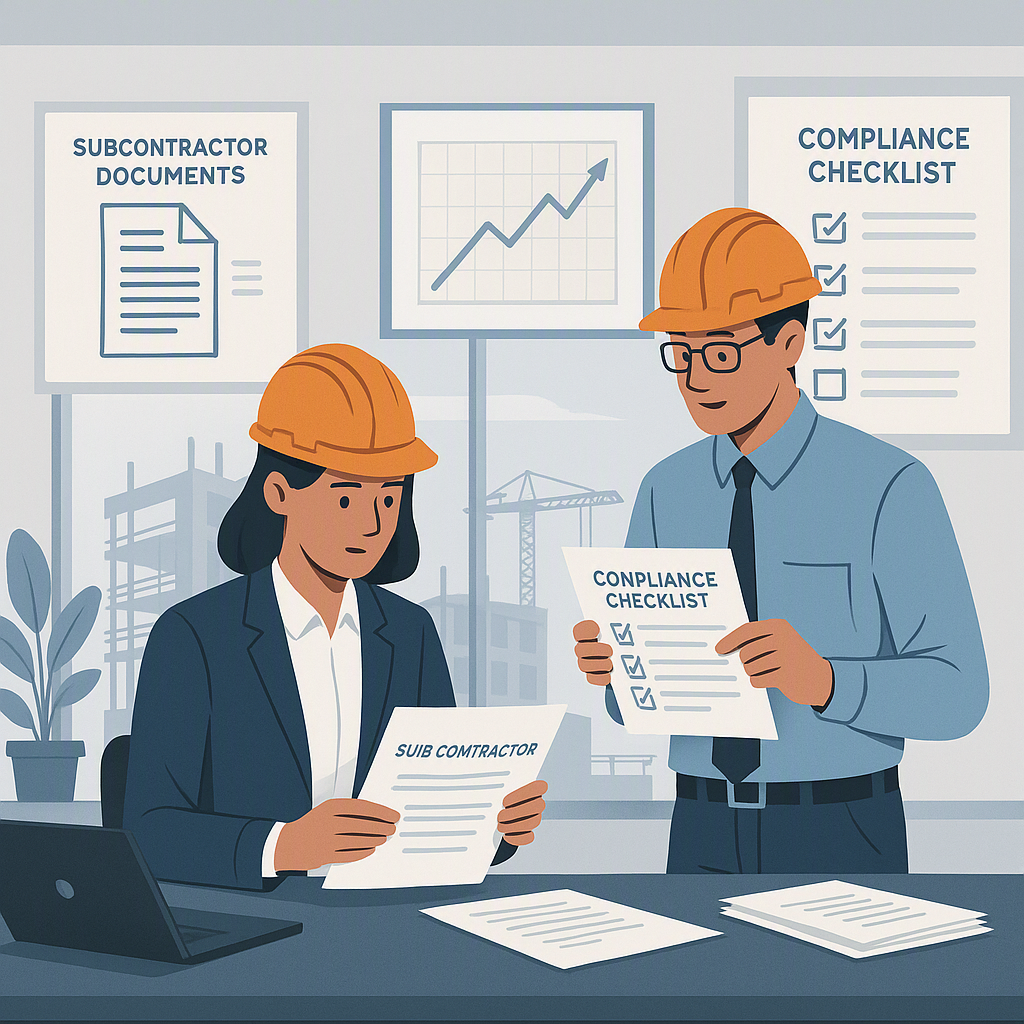
If you’re thinking, “This sounds great, but I don’t have time to run endless reports,” here’s the good news: you don’t need to. In fact, most of our clients swear by a simple 3-report health check:
1. BOQ Margin Report
Tracks profitability at the BOQ level and flags negative-margin items. This is critical for identifying loss-making components early.
- Example: A contractor in Bangalore used this report to flag a ₹12 lakh loss on plumbing subcontractor costs. The issue? The subcontractor was underbidding and then charging for variations post-contract. The report helped renegotiate terms mid-project.
2. Resource Reconciliation Report
Compares actual vs. budgeted costs across labor, material, plant, subcontractors, and overhead. This ensures every rupee is accounted for.
- Example: A road construction project in Rajasthan saved ₹8 lakh by identifying excess diesel consumption through this report.
3. Budget Burn Report
Shows which resource categories are consuming budget faster than planned. This is crucial for cash flow management.
- Example: On a high-rise project, an MEP (Mechanical, Electrical, Plumbing) contractor used this report to delay non-critical purchases, preserving ₹20 lakh in cash flow.
Actionable Step: Schedule a weekly review of these three reports. Assign a team member to own each report and present findings during project status meetings.
AI Isn’t a Silver Bullet (But It’s Pretty Close)
Now, I’m not going to tell you that AI will magically solve all your problems. It won’t. If your team isn’t disciplined about logging costs, approving purchase orders, or updating BOQs, even the best AI tools won’t save you. Garbage in, garbage out.
But if you’ve got the basics in place, AI can elevate your cost tracking to a level spreadsheets simply can’t touch.
The Numbers Don’t Lie
Here’s a stat that should make you pause: Contractors using AI-powered cost tracking tools report 14% higher project margins on average, according to a 2023 McKinsey report. That’s the difference between barely breaking even and thriving.
Actionable Steps to Get Started
- Audit Your Current System: Identify inefficiencies like manual data entry or delays in cost reporting.
- Choose the Right Tool: Start with a scalable AI solution like JobNext that integrates with your existing ERP.
- Train Your Team: Proper implementation is key. A single untrained user can derail the system.
Why This Matters More Now Than Ever
Margins are under siege. Rising material costs, labor shortages, and client demands for faster timelines aren’t trends — they’re the new normal. And contractors who don’t adapt will get left behind.
As CIMA warns in their polycrisis report, real-time profitability tracking isn’t optional anymore. It’s survival.
The Competitive Advantage
- Case Study: A contractor in Kolkata implemented AI tracking across 7 projects. Result? An average margin improvement of 11% over 12 months.
- Case Study: A South Indian infrastructure firm used AI to reduce procurement waste by 22%, saving ₹3 crore annually.
FAQ
1. How much does an AI-powered cost tracking tool cost?
Costs vary by provider, but entry-level solutions start at ₹5,000 per month. For larger contractors, enterprise plans can range from ₹50,000-₹2,00,000 monthly depending on the number of users and integrations.
2. What’s the ROI on these tools?
Most contractors see ROI within 6-12 months. For example, saving ₹18 lakh on a single project more than justifies the subscription cost.
3. Do I need to replace my current ERP system?
Not necessarily. Many AI tools integrate with popular ERPs like SAP, Oracle, or Tally.
4. What if my team isn’t tech-savvy?
Most modern tools are user-friendly and offer training. Start with a pilot project to build confidence.
5. Can AI help with vendor negotiations?
Yes. By highlighting cost variances in real-time, AI tools provide leverage during vendor renegotiations.
What’s Next?
If you’re still using spreadsheets or disconnected systems to track project costs, it’s time to rethink your approach. The math is brutal: losing 12-18% of your material budget isn’t a rounding error. It’s the difference between winning your next project or watching your competitors take it.
Comparison Table: Spreadsheets vs. AI Tools
| Feature | Spreadsheets | AI Tools |
|---|---|---|
| Real-Time Tracking | No | Yes |
| Automated Alerts | No | Yes |
| Integration with ERP | Limited | Extensive |
| Scalability | Low | High |
| ROI | Moderate | High |
Want to see how AI-powered cost tracking can transform your margins? Try JobNext today →
: Why Poor Cost Tracking Is Killing Contractors (And How Cloud ERP Fixes It): Help: Monitoring Projects Analytics: Help: Monitoring Index
Learn more at JobNext.ai