Why Does It Feel Like You're Always Playing Catch-Up?
If you’re a contractor, you’ve probably been here: running between project sites, juggling vendor follow-ups, and trying to sort out payment delays — all while wondering how your profit margins evaporate faster than you can track them. It’s not that you’re bad at your job. It’s that the systems you rely on are often a patchwork of spreadsheets, emails, and WhatsApp messages. Sound familiar?
Here’s the hard truth: these aren’t just minor inconveniences. They’re significant challenges that can impact your bottom line. Construction ERP software isn’t a magic bullet, but it can solve some of these hidden challenges. Let’s break down seven of them — and what you can do about it.
1. Invisible Margin Erosion from Poor Cost Tracking
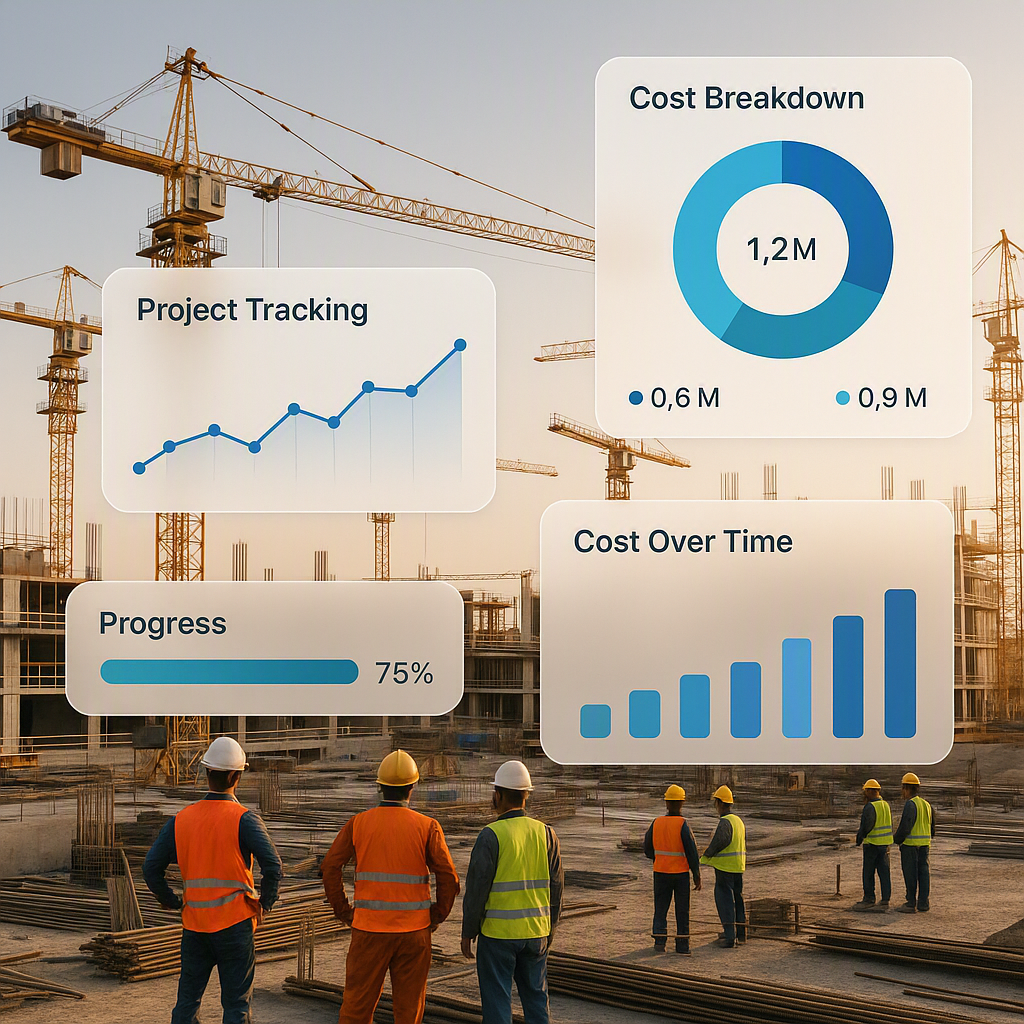
Most contractors rely on BOQs and budgets to estimate project costs. But tracking actual costs against those estimates in real time? That’s a different beast. By the time you realize you’re over budget, it’s too late.
The fix? Systems that integrate your BOQs, scopes, and estimates with real-time spend tracking. For example, contractors can use ERP tools that connect procurement workflows (like material requisitions and purchase orders) directly to project budgets. This way, every rupee spent is logged against the corresponding line item in real time.
Want a deeper dive into how this works? Check out How Job Costing Software Tracks Contractor Profitability in Real Time. It’s a game-changer for ensuring you don’t bleed money without realizing it.
2. The Chaos of Manual Procurement
Here’s a scenario that’s all too common: a site engineer calls the procurement manager at 9 PM, saying they’re out of rebars. The manager scrambles to find a supplier who can deliver overnight. The bill comes in higher because there was no time for negotiation.
A structured material procurement workflow — Material Requisition (MR) → Request for Quotation (RFQ) → Vendor Offers → Purchase Order (PO) — can eliminate these last-minute surprises. Many construction ERP solutions streamline this process, ensuring you have the materials you need when you need them. Even better, they can track vendor performance and help you negotiate better contracts in the future.
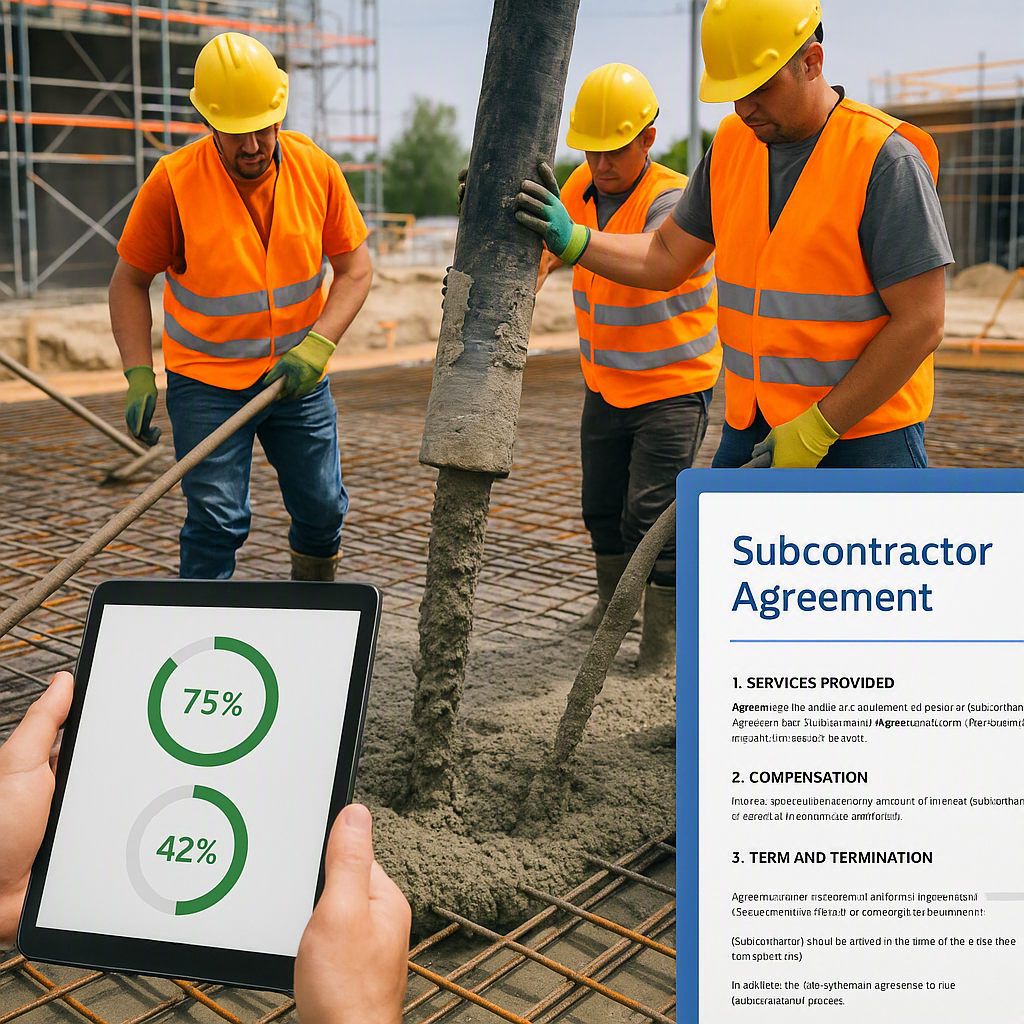
3. Subcontractor Cost Overruns
Subcontractors can make or break your project, but they’re also a common source of cost overruns. Why? Because progress tracking is often inconsistent. Measurements get delayed. Payment requests pile up. And by the time you reconcile everything, you’ve already paid too much.
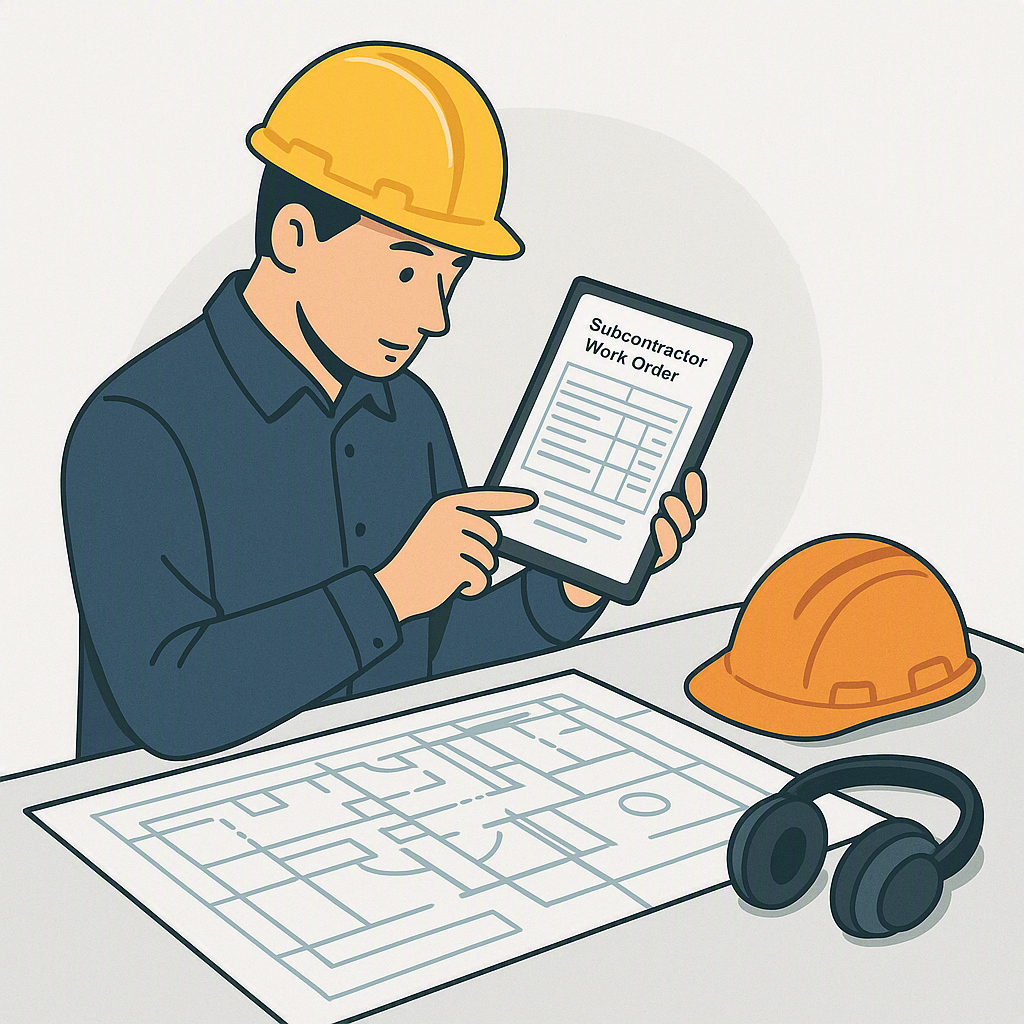
ERP software with subcontractor management features can help. Structured workflows like Work Request (WR) → Request for Proposal (RFP) → Work Order (WO) → Measurements ensure that subcontractors are paid based on actual progress, not estimates. It’s not foolproof, but it’s a lot better than relying on verbal updates.
4. Revenue Leakage in Billing
Construction billing isn’t one-size-fits-all. RA bills, stage-wise billing, supply BOQs, combined methods — each project demands a different approach. But if your billing system isn’t flexible, revenue can leak through the cracks.
Some ERPs offer tailored billing methods that align with your contracts. For instance, they can handle everything from retention clauses to advance adjustments. The result? Fewer disputes and faster payments.
5. Equipment Underutilization
Ever had a crane sitting idle for weeks because the site team “forgot” about it? Or rented equipment while your own machines were underutilized? It happens more often than you think.
Equipment management modules in ERP software track the lifecycle of your machinery — from procurement to utilization to disposal. You’ll know exactly where each machine is, what it’s doing, and when it’s due for maintenance. No more idle assets.
6. Multi-Site HR Complexity
Managing HR across multiple sites is a nightmare. Who’s clocking in at which site? Are their timesheets accurate? What about compliance with local labor laws?
With ERP solutions, you can centralize attendance, payroll, and staff allocation. Some even come with mobile apps that allow workers to clock in at geo-tagged locations. It’s not perfect, but it beats manually reconciling timesheets from three different sites.
7. Compliance Gaps
GST, TDS, PF, ESI, bank guarantees — keeping up with compliance is exhausting. And mistakes aren’t just embarrassing; they’re expensive.
Good ERP software automates these calculations and integrates them directly into your accounting workflows. For example, GST gets applied to invoices automatically, and TDS deductions are logged without manual intervention. It’s one less thing to worry about.
FAQ
Q: Do I really need ERP software as a small contractor?
A: It depends. If you’re running one or two small projects, you might get by with spreadsheets. But as soon as you scale — multiple sites, dozens of vendors, complex contracts — an ERP becomes essential.
Q: How long does it take to implement an ERP system?
A: Implementation timelines vary depending on the complexity of your operations. Start with the most painful areas (like procurement or billing) and expand from there.
Q: Can ERP software integrate with my existing tools?
A: Many modern ERPs offer integrations with popular accounting software like Tally or QuickBooks. It’s worth checking before you commit.
What’s Next?
If you’re struggling with any of these challenges, it might be time to look into construction ERP software. Tools like ProjectsNext are designed to solve real-world problems for contractors — from procurement chaos to billing headaches.
Get started with ProjectsNext →
Learn more at JobNext.ai