Procurement Chaos: The Silent Killer of Small Contractor Margins
Procurement isn’t glamorous, but it’s where most contractors bleed money. Small contractors, especially those managing multiple projects, often lose up to ₹25 lakh annually to delays, over-purchasing, and manual errors. That’s not a rounding error—it’s the difference between survival and shutting down.
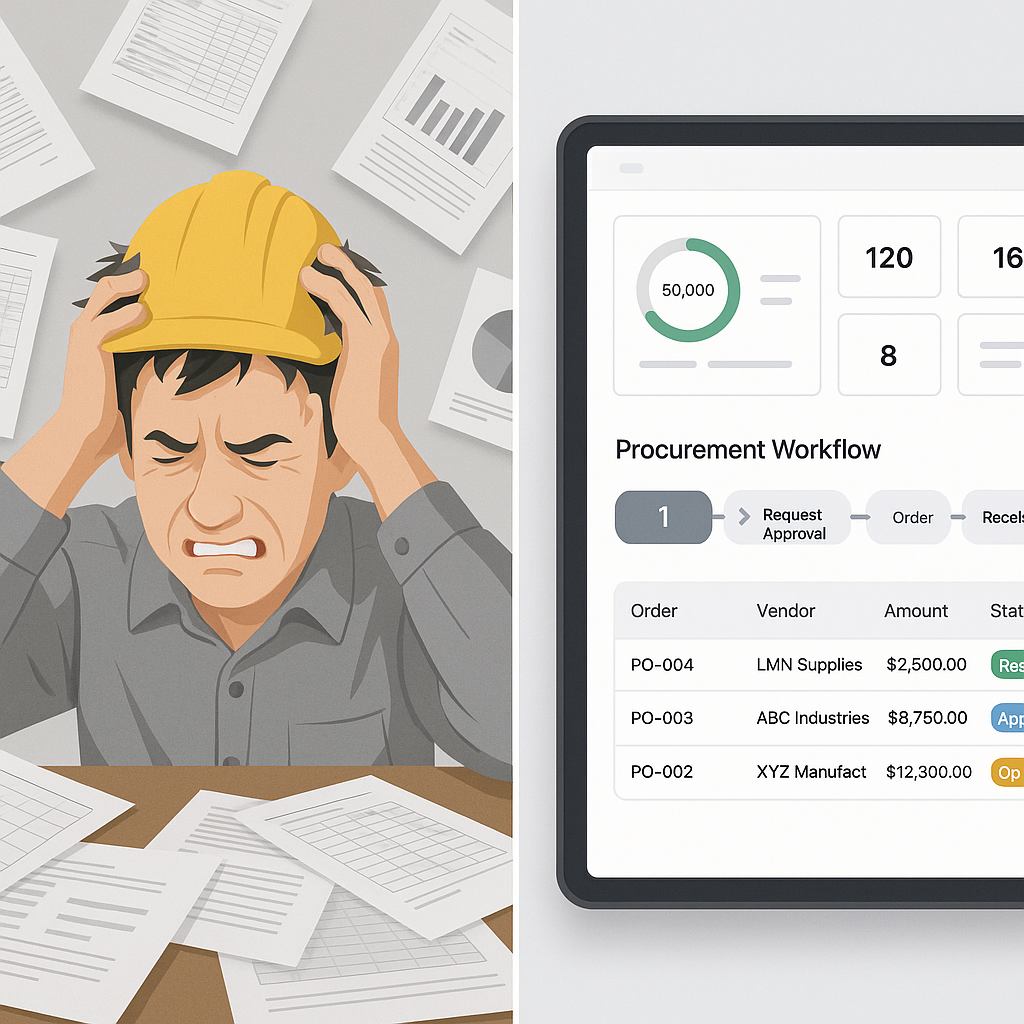
The problem isn’t that contractors don’t care. They do. But the systems they rely on—spreadsheets, WhatsApp approvals, and frantic phone calls—are broken. When your procurement is a patchwork of disconnected tools, what happens? Delayed purchase orders, missed discounts, and costly project overruns. Sound familiar?
Let’s break it down.
The Procurement Problem in Numbers
A typical small contractor handles 50-100 material requisitions (MRs) per month across projects. Each MR has to go through an RFQ (Request for Quotation), vendor selection, and PO (Purchase Order) generation. If you’re doing this manually, here’s what it looks like:
- Cycle Time: 3-5 days per RFQ, often longer when approvals stall.
- Errors: 1 in 10 POs ends up with incorrect quantities or rates.
- Costs: Missing rate contracts means paying 10-15% more for the same materials.
That’s before we even talk about the chaos of vendor follow-ups, duplicate data entry, and late deliveries. It’s a mess. And it’s eating into your margins.
Real-Life Example: A ₹5 Lakh Overrun
Take the case of a small contractor managing five residential projects. Their site engineers raised material requisitions via WhatsApp, and approvals were scattered across email threads. When one project fell behind schedule, the contractor rushed to procure steel at market rates, missing out on discounted rate contracts negotiated earlier. The result? A ₹5 lakh overrun on materials alone.
This isn’t uncommon. Without a centralized system, even small errors compound into massive financial losses.
A Smarter Workflow: MR → RFQ → Vendor Offers → PO
Here’s where structured workflows, like the ones in JobNext ERP, make a real difference. Instead of juggling emails and spreadsheets, everything flows through a single system. Let’s walk through how it works:
1. Material Requisition (MR)
Site engineers raise MRs directly in the system, tagging the job and BOQ line item. No more WhatsApp requests. Every MR is logged, tracked, and tied to specific project budgets.
Actionable Tip: Ensure every MR includes detailed specifications like grade, quantity, and delivery timeline. This minimizes back-and-forth communication with vendors.
2. RFQ Automation
The system automatically sends RFQs to pre-qualified vendors based on the material category. Vendors submit offers directly into the platform.
Comparison:
| Manual RFQ | Automated RFQ |
|---|---|
| 3-5 days per cycle | 1-2 days per cycle |
| High chance of missed vendors | Consistently reaches all approved vendors |
| Errors in rate comparison | Automated side-by-side comparison prevents mistakes |
3. Rate Comparison
A side-by-side comparison of vendor offers ensures you always pick the best deal. No need for manual Excel sheets.
Actionable Tip: Set up thresholds for price deviation. If a vendor’s quote is significantly above or below the average, flag it for review.
4. PO Generation
Once approved, POs are generated in one click. They’re linked to the MR, so nothing gets lost. POs are automatically shared with vendors and stored for future audits.
Case Study: Faster PO Generation One contractor reduced PO generation time by 70% using JobNext’s automated workflows. Previously, it took three days to finalize a PO; now it’s done in under 24 hours.
Real Results: ₹25 Lakh Saved Annually
Contractors using structured procurement workflows have reported savings of ₹25 lakh or more per year. How? By:
1. Eliminating Over-Purchasing
Enforced BOQ-linked budgets mean you only buy what’s needed. Site engineers can’t request materials outside approved quantities.
Example: One contractor found they were consistently over-ordering cement by 20%. By switching to an ERP, they tied requisitions directly to BOQ line items, eliminating excess orders.
2. Reducing Rates
Automated RFQs encourage vendors to compete, driving prices down. Vendors know they’re up against others, which incentivizes better pricing.
3. Cutting Delays
With approvals and POs handled in-system, cycle times drop by 50-60%. Faster procurement means fewer project delays and lower penalty costs.
Data Point: Contractors using JobNext reported a 30% improvement in on-time project completions after adopting structured workflows.
What About Urgent Orders?
You might be thinking, "What about emergencies?" Construction projects are unpredictable. Sometimes, you need materials yesterday. That’s where JobNext’s Quick Orders feature comes in. It bypasses the RFQ cycle for urgent or low-value purchases, while still keeping everything documented.
Actionable Tip: Define "urgent" criteria
Set clear thresholds for when Quick Orders can be used (e.g., orders under ₹10,000 or materials needed within 24 hours). Document every urgent purchase for audits.
Why Manual Systems Don’t Cut It Anymore
Anecdotally, we’ve seen contractors stick to manual systems because they think ERP is “too big” for them. That’s a misconception. The reality? Small contractors suffer more from inefficiencies because their margins are razor-thin. They can’t afford to lose 12-18% of their material budget to chaos.
Comparison Table: Manual vs ERP Procurement
| Feature | Manual Systems | ERP Systems |
|---|---|---|
| Accuracy | Prone to errors | High accuracy |
| Speed | Slow | Fast |
| Vendor Management | Disconnected | Centralized |
| Cost Savings | Limited | Significant |
| Scalability | None | High scalability |
ERP isn’t a luxury. It’s survival. Tools like JobNext are scalable, affordable, and built for contractors managing 50-2000 employees. It’s not about adding complexity—it’s about removing it.
FAQ
1. Isn’t ERP expensive?
Not necessarily. Many ERP tools, like JobNext, offer tiered pricing based on company size. For small contractors, the cost is often offset by the savings in procurement alone.
2. How long does ERP implementation take?
Implementation timelines vary, but for small contractors, it typically takes 4-8 weeks. Focus on one process (e.g., procurement) before expanding to other areas.
3. What if vendors refuse to use the ERP platform?
Most modern ERP systems are vendor-friendly, offering simple onboarding and support. You can also start with key vendors and gradually expand.
4. Can ERP handle urgent orders?
Yes, systems like JobNext include Quick Order features for emergencies. These orders are expedited but still documented for accountability.
5. What’s the ROI on ERP?
Contractors typically see ROI within 6-12 months, driven by cost savings, faster workflows, and reduced errors.
What’s Next?
If you’re losing money to procurement chaos, it’s time to act. Start by mapping your current workflow. Where are the delays? Which steps are manual? Then, explore how tools like JobNext can streamline your processes.
Decision Framework: Is ERP Right for You?
| Question | If Yes, Consider ERP | If No, Stick to Manual |
|---|---|---|
| Are you managing 50+ employees? | Yes | No |
| Do you handle 50+ MRs/month? | Yes | No |
| Are delays affecting margins? | Yes | No |
| Is over-purchasing common? | Yes | No |
For more insights, check out this article on ₹25 Lakh Lost to Procurement Chaos: The ERP Fix Contractors Miss. It’s a practical guide to getting started.
If procurement chaos is killing your margins, JobNext can help. Get started free →
Learn more at JobNext.ai