7 Practical Construction ERP Implementation Steps for Contractors
ERP implementations fail more often than you'd expect. Why? Contractors jump straight into using the software without laying the groundwork. It’s like pouring concrete on loose soil—everything falls apart.
Here’s a no-nonsense guide to implementing a construction ERP without losing your mind (or your margins).
1. Define Your BOQs and Scopes Early
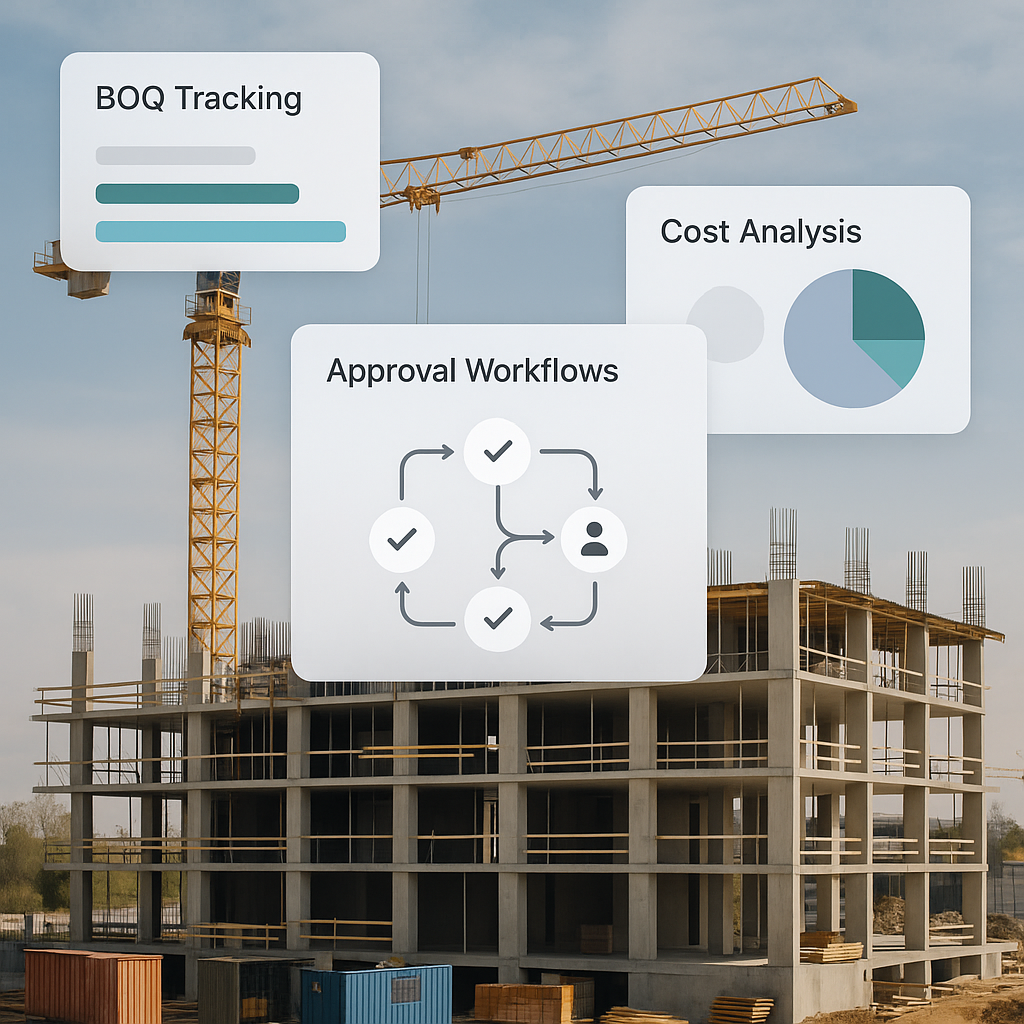
Before touching the software, finalize your Bill of Quantities (BOQs) and Work Breakdown Structure (WBS). These are the backbone of your ERP system. If your BOQs are incomplete or your scopes unclear, the ERP can’t track costs properly.
Concrete Example: Let’s say you’re managing a residential construction project with a ₹2 crore budget. If your BOQ isn’t detailed (e.g., vague quantities for materials like cement or steel), your ERP won’t know how to allocate costs accurately. This leads to untracked expenses and inflated project costs.
Case Study: One mid-size EPC contractor in Oman ended up with ₹18 lakh in untracked material because their WBS wasn’t linked to the BOQ. Their ERP couldn’t flag discrepancies because the foundational data was wrong.
Actionable Steps:
- Use Excel templates or industry-standard software to prepare BOQs before ERP configuration.
- Cross-check BOQs with your project team and procurement managers to avoid gaps.
- Utilize ERP systems like JobNext, which allow direct BOQ uploads and linkage to execution scopes.
2. Set Up Multi-Level Approvals
Approval workflows aren’t optional—they’re your safety net. Without them, purchase orders, subcontractor payments, and budget approvals turn into bottlenecks.
Concrete Example: Imagine a ₹5 lakh subcontractor payment stuck for two weeks because the site manager didn't have authority to approve it. Without clear thresholds, your project stalls.
Role-Based Approvals
One best practice we swear by? Role-based approvals. For example:
- Site Manager: Approvals up to ₹10,000.
- Project Engineer: Approvals up to ₹1 lakh.
- Director: Approvals above ₹5 lakh.
Actionable Steps:
- Define approval limits and roles before implementation.
- Use ERP systems that allow value-based approvals (e.g., JobNext).
- Regularly audit approval workflows to eliminate bottlenecks.
3. Train for Workflows, Not Buttons
Most ERP training sessions are glorified button-pushing tutorials. That’s useless.
Concrete Example: Training your team to create Work Requisitions (WR), convert them into Requests for Proposals (RFP), and finalize Work Orders (WO) ensures subcontractor management is smooth.
Actionable Steps:
- Skip generic training. Focus on workflows tied to your project processes.
- Offer role-specific training sessions for site managers, engineers, and procurement teams.
- Use ERP vendor-provided training resources—many offer workflow diagrams and FAQs.
4. Test Data Accuracy Before Going Live
Garbage in = garbage out. Don’t rush into “going live” without testing your data. Start with a pilot project. Check if costs, quantities, and vendor details are accurate.
Concrete Example: A contractor who didn’t verify their vendor master ended up with duplicate vendor entries and mismatched GST numbers. Result? ₹1.2 lakh in compliance penalties.
Actionable Steps:
- Run a small pilot project to validate ERP data inputs.
- Check vendor details, GST numbers, and item codes for accuracy.
- Use ERP reporting tools to flag errors before scaling.
5. Automate Subcontractor Tracking
Subcontractor payments are a black hole for many contractors. Manual tracking leads to disputes over quantities, delays in payments, and cost overruns.
Case Study: Contractors in the GCC region reported losing ₹12 crore annually due to manual tracking of subcontractor measurements.
JobNext’s subcontractor module solves this with automated measurement sheets tied to work orders. No approved measurement? No payment. Simple as that.
Actionable Steps:
- Use ERPs with automated subcontractor tracking modules.
- Implement workflows where subcontractor payments depend on approved measurements.
- Regularly audit subcontractor performance metrics.
6. Monitor Costs in Real Time
Most contractors realize they’ve blown their budget after the project is over. That’s too late.
Concrete Example: A contractor in Jaipur used real-time cost tracking to identify that labor costs were exceeding projections by ₹2 lakh. Early intervention saved them ₹1 lakh in overtime expenses.
Actionable Steps:
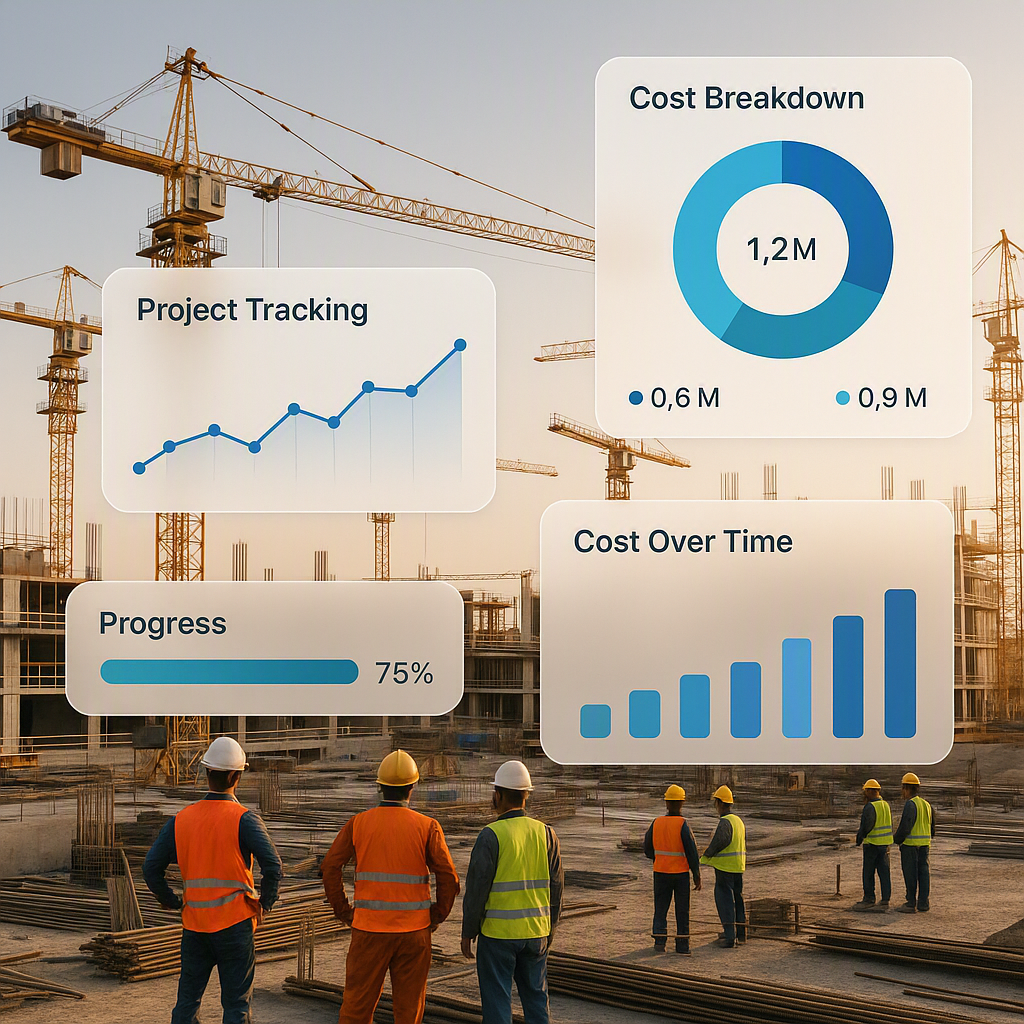
- Set up dashboards in your ERP to monitor costs against BOQs.
- Use alerts to flag overspending in specific areas.
- Train site managers to regularly review cost data.
7. Track Compliance from Day One
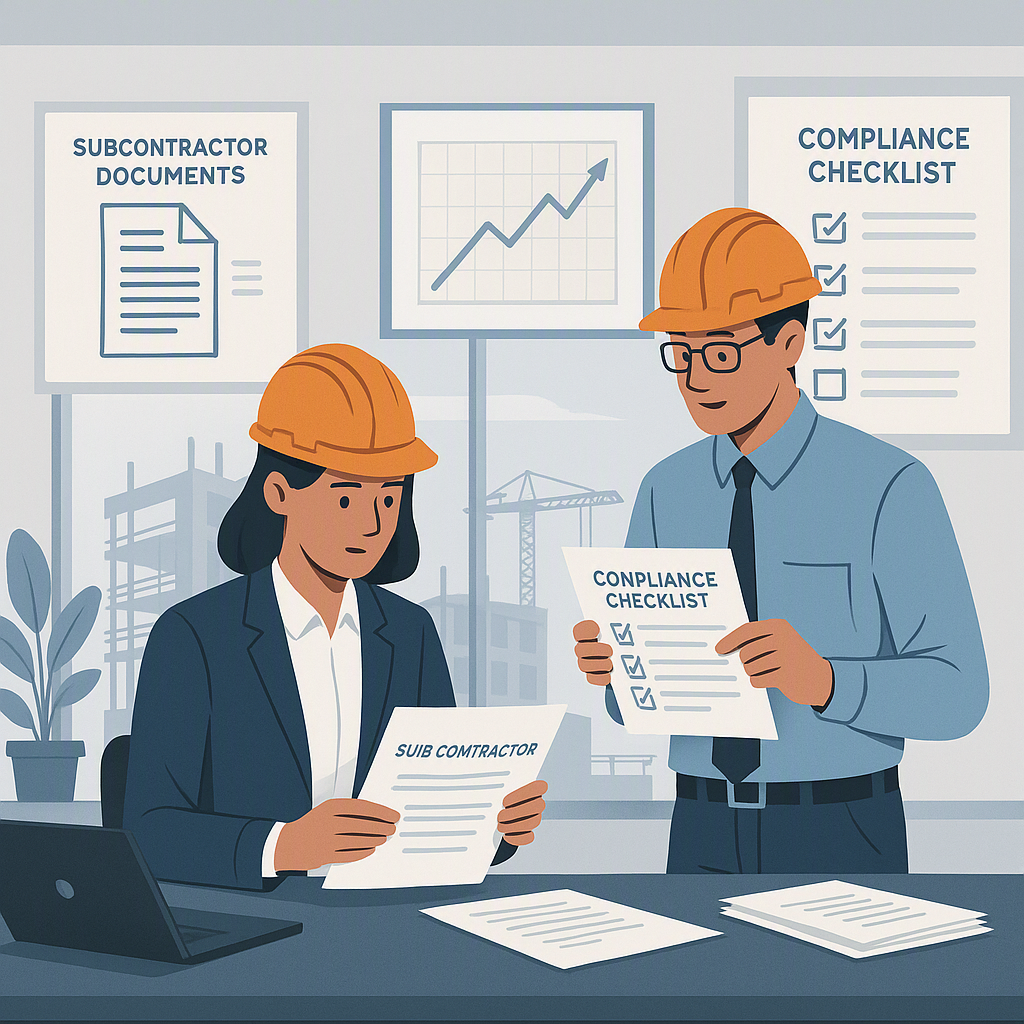
GST, TDS, PF, ESI—the alphabet soup of compliance can’t be ignored. Yet, many contractors treat compliance as an afterthought.
Case Study: A contractor in Pune faced ₹3 lakh in penalties because their ERP wasn’t configured to track GST properly.
Actionable Steps:
- Sync your ERP with accounting software like Tally.
- Regularly update compliance rules in your system.
- Assign a compliance officer to monitor ERP data.
FAQ Section
1. What if my team is resistant to using the ERP?
Resistance usually comes from unfamiliarity. Focus on training that emphasizes the benefits to their daily work—e.g., saving time on approvals, reducing manual errors. Offer incentives for early adopters.
2. Which ERP modules are essential for contractors?
Start with BOQ management, subcontractor tracking, and real-time cost monitoring. As your team grows comfortable, expand into compliance tracking and resource planning.
3. How long does implementation usually take?
Expect 3–6 months for full implementation, depending on project size and ERP complexity. Pilot projects can shorten the learning curve.
4. How do I ensure my ERP scales as my business grows?
Choose modular ERP systems with flexible pricing and features. Cloud-based solutions like JobNext allow you to add users or modules as needed.
5. What’s the #1 mistake contractors make during implementation?
Skipping data validation before going live. Always test your data for accuracy and completeness.
Comparison Table: Manual Processes vs ERP Systems
| Feature | Manual Processes | ERP Systems |
|---|---|---|
| BOQ Management | Prone to errors | Automated, accurate |
| Subcontractor Tracking | Disputes over quantities | Real-time measurements |
| Cost Monitoring | Reactive | Proactive, real-time |
| Approval Workflows | Bottlenecks | Role-based thresholds |
| Compliance Tracking | High risk of penalties | Automated, rule-based |
Final Thoughts
ERP implementation doesn’t have to be a nightmare. Follow these seven steps, and you’ll save time, money, and a ton of frustration.
If you’re struggling with manual processes or untracked costs, JobNext can help. Get started free →
Learn more at JobNext.ai